
Introduction: When a Packed Floor Still Looks Flat
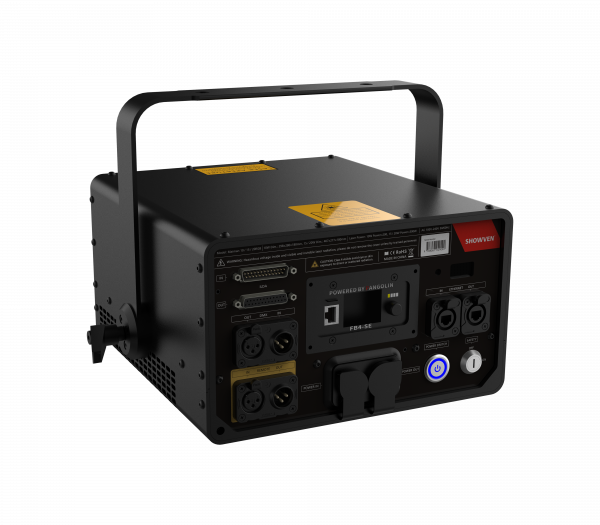
You cue the drop at midnight, the room hums, and phones go up. Your DJ laser light fires, but the vibe still feels weirdly dull—like the beams are there, just not “alive.” Here’s the thing: even small mistakes stack up. A tiny change in beam divergence or haze density can cut perceived brightness in half at distance. Many clubs also throttle rigs early because of heat or shaky power, so lasers taper off by 1 a.m. (go figure). So why do some sets look crisp online while yours washes out IRL? Are you fighting the wrong controls, or the wrong environment? This is a comparative look, not a roast. We’ll mix simple checks with a few pro ideas—DMX timing, duty cycle limits, and how scanners breathe when the room heats up. Short take: the room fights you more than you think, and so does your default programming. Let’s walk through the real reasons beams don’t “pop,” the data that explains it, and how to turn that around without buying a truckload of gear. Next up: what the old way gets wrong and how to spot it fast.
The Hidden Friction: Why Classic Setups Don’t Scale
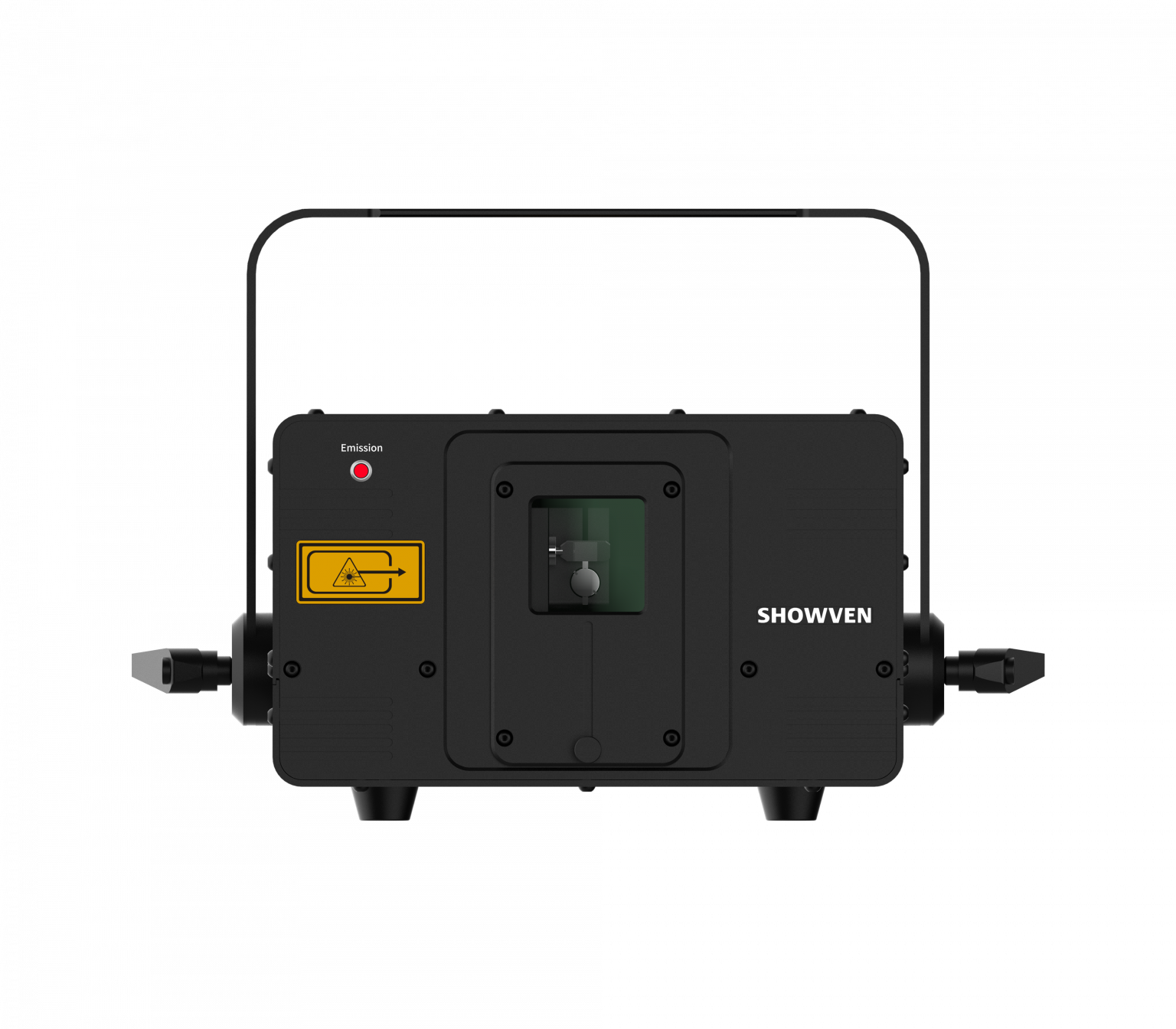
Most rigs still run DJ lasers on a few DMX scenes and a fixed haze level, then hope for magic. That path builds jitter and fade. Galvanometer scanners want smooth motion, but 8-bit DMX steps make corners—so edges sparkle instead of slice. Beam divergence drifts as the room heats, and optical attenuation jumps when haze clumps near the ceiling. Add cheap power converters and you get ripple in the diode current, which kills color stability. Look, it’s simpler than you think: if ILDA frame rate is low and the duty cycle is high, scanners run hot and slow. Thermal throttling follows, then beams look soft by the third hour—funny how that works, right?
Where do legacy rigs fall short?
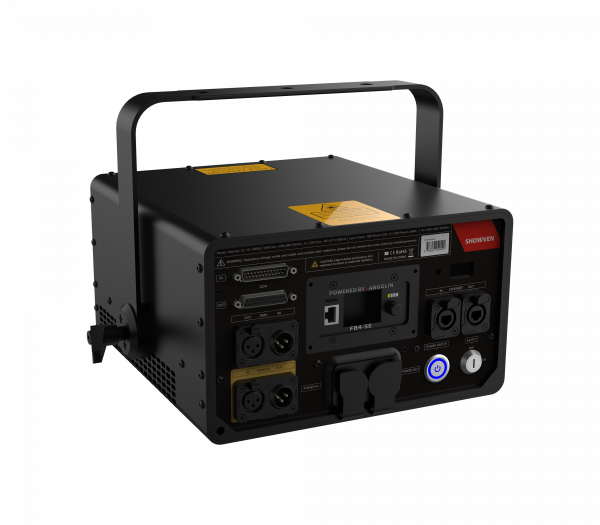
They treat every room the same. No live feedback. No auto-trim for haze density or audience scan zones. DMX512 can trigger cues, but it doesn’t measure results. Without a safety interlock check and a decent heat sink profile, your output sags under load. PWM dimming also introduces banding when cameras show up, so your clips look worse than the stage. The fix starts with basics: lock in scanner acceleration curves, set ILDA frames to match pattern size, and test optical path losses with the house lights on. Then tag the variables that change—humidity, airflow, and crowd heat. From there, you can predict where the image will break before it actually does.
Smarter Beams Ahead: Comparing Old Control vs. Adaptive Logic
What’s Next
Old-school control pushes fixed scenes; new logic listens first. Adaptive mapping uses onboard sensors and edge computing nodes near the truss to watch haze density and diode temperature in real time. Instead of blasting power, it trims beam divergence, tweaks scanner acceleration, and stabilizes color mixing under heat. With that, your frames stay clean at higher ILDA rates without cooking the motors. In short, less brute force, more brains. And when you pair this with smart zoning, audience-safe sweeps stay bright without clipping the safety interlock. If you already bundle party lights and lasers, the control layer should blend both: sync PWM dimming with laser modulation so cameras stop flickering, while the room still gets punch.
Compare outcomes. Fixed scenes rely on luck and a cool room; adaptive rigs watch and correct. A compact DSP can pre-shape curves so galvanometer scanners never stall on sharp corners, even when humidity spikes. Live heat maps flag when a heat sink nears limit, then the system shifts pattern size instead of chopping brightness. The result feels smoother to the eye and nicer on video—different battle, same win. Quick recap: the weak spots were step-based control, no feedback, and power drift. The forward fix is sensor-driven tuning, ILDA-aware frames, and smarter power budgets. Before you shop, use three checks: 1) Measurement: demand live metrics for beam power, scanner temperature, and optical loss; 2) Control depth: confirm 16-bit movement and frame smoothing with editable acceleration and jerk; 3) Safety and sync: verify audience scan zones, camera-friendly PWM, and stable power converters. Pick the rig that proves these on paper and on a test night. For deeper tech notes without the fluff, see Showven Laser.