
Introduction — a small question to start
Have you ever wondered why one lab’s mouse data look clean while another’s is messy? In animal behavior research I see this every week: same protocol, different results. The scenario is simple — a student runs 30 trials, the data logger gives high variance, and the team asks why. (Basic numbers: 20–30% trial-to-trial spread is common in many published sets.) So what really makes the difference — the device, the user, or something hidden in the setup? I ask this because I want labs to spend less time troubleshooting and more time learning from behavior. This short piece will guide you through real faults in common setups and point toward practical upgrades. Let’s move into the nuts and bolts next.
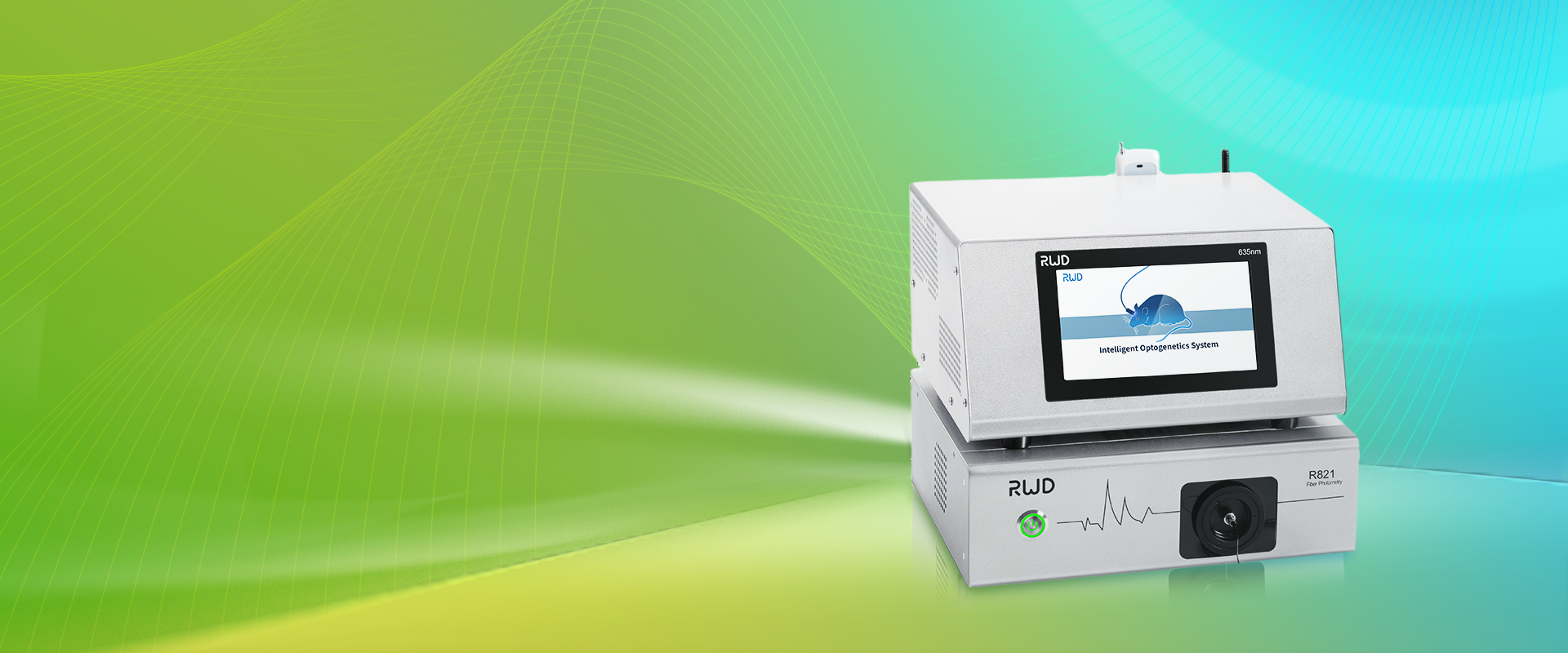
Technical breakdown: Where standard systems fail
I start with a clear device example: the mouse grip strength meter is common in many labs, yet I often see its readings treated as gospel. In truth, several technical items create bias: force transducer drift, low sampling rate, and poor calibration curve management. When a force transducer warms or settles, readings shift slowly; without periodic calibration (and a recorded calibration curve), your mean force can be off by several grams. A weak data logger or incorrect sampling rate will mask peak force events. Look, it’s simpler than you think — if you log at 10 Hz you may miss short, sharp pulls that happen within 50 ms.
How reliable is your data?
We must check three things every time: sensor health, signal chain integrity (shielding, connectors), and software filters. I recommend a basic checklist: validate the calibration curve before each session, verify sampling rate matches the expected event duration, and inspect the power path (yes — unstable supply affects analog readings). In practice I re-run a 5-trial calibration at start and end; the drift percentage tells me if I trust that day’s dataset. Plus — funny how that works, right? — simple habits reduce rework later. These troubleshooting steps cut repeat testing by weeks.
Future outlook: Practical upgrades and case examples
Now let me show a short case example and then point to practical choices. In one study we swapped an older meter for a new instrument and added a mid-range data logger with better sampling and onboard buffering. The mouse grip strength meter remained the core tool, but we paired it with routine calibration logs and a small edge computing node to preprocess signals. The result: peak detection improved and variance dropped by about 15% across cohorts — measurable, not just anecdote. I like to keep things grounded: add the right small upgrades and your whole curve looks cleaner.
What’s Next — choosing upgrades wisely?
We should weigh upgrades by cost, reliability, and data impact. I advise testing one change at a time: calibrate better, then change the logger, then optimize sampling. In my work I look for three metrics when evaluating tools: accuracy under load, noise floor at expected sampling, and ease of routine calibration. Also note: some improvements require small electrical tweaks — better shielding or stable power converters — but those steps pay off. — small interruptions help you rethink each choice. In short, pick changes that give the biggest reduction in noise for the least effort.
To close, here are three quick evaluation metrics I use when I recommend a setup: 1) Calibration stability (drift % per hour), 2) Effective sampling rate vs. event duration (Hz), and 3) Signal-to-noise ratio at expected force range. Use these and you will spot weak links fast. I’ve tried many combinations, and the best labs I work with keep this checklist on the bench. If you want to explore reliable tools and accessories, check the product line at BPLabLine.