
Introduction
Picture this: a town hall starts on time, every seat has a tablet, and the chair taps “Start” once—no shuffle, no fuss. A paperless conference system makes the room calm and clear, like putting traffic lights on a busy road. Last week, a city clerk told me they saved fifteen minutes per meeting after ditching printouts (that’s a lot over a year). But then a curious thing happened: people could read faster than they could speak, and the audio tools lagged behind. Why do meetings still stall when screens and voices should play nice together? Are we missing a tiny, hidden step that slows the whole group? Let’s move from the scene to the system and see what clicks next—ready?
Where Old Setups Trip Up: The Hidden Friction of Screened Mics
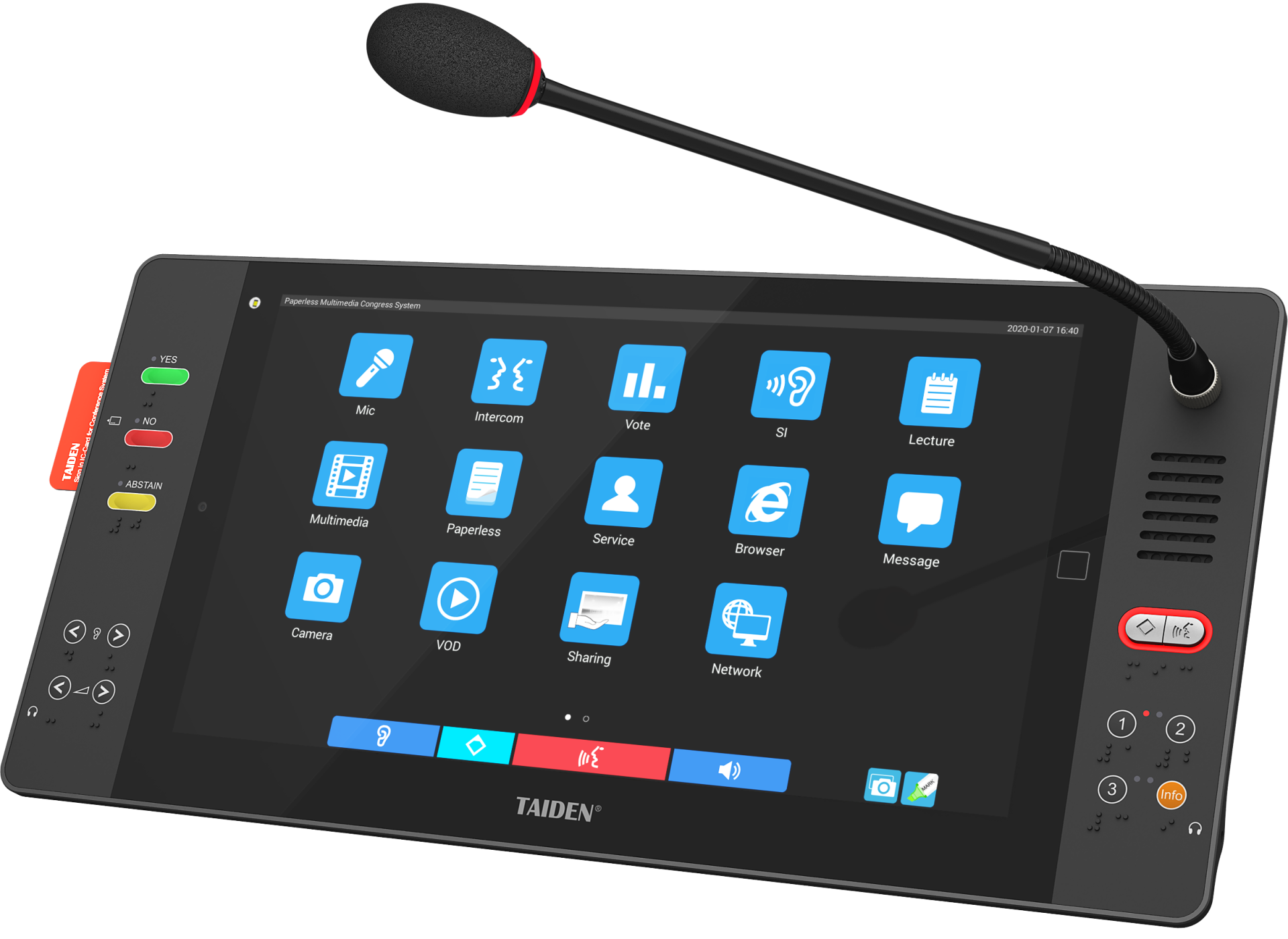
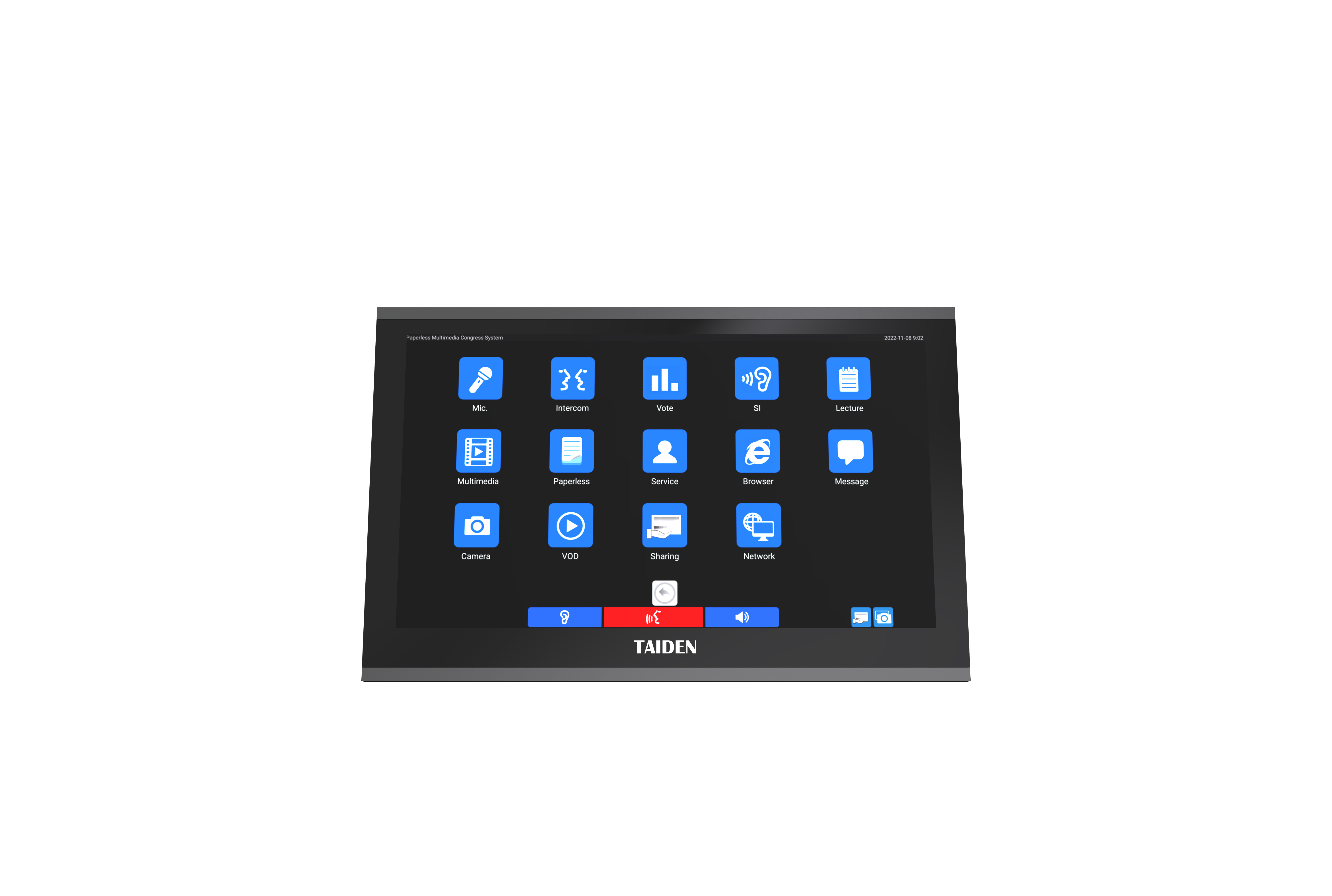
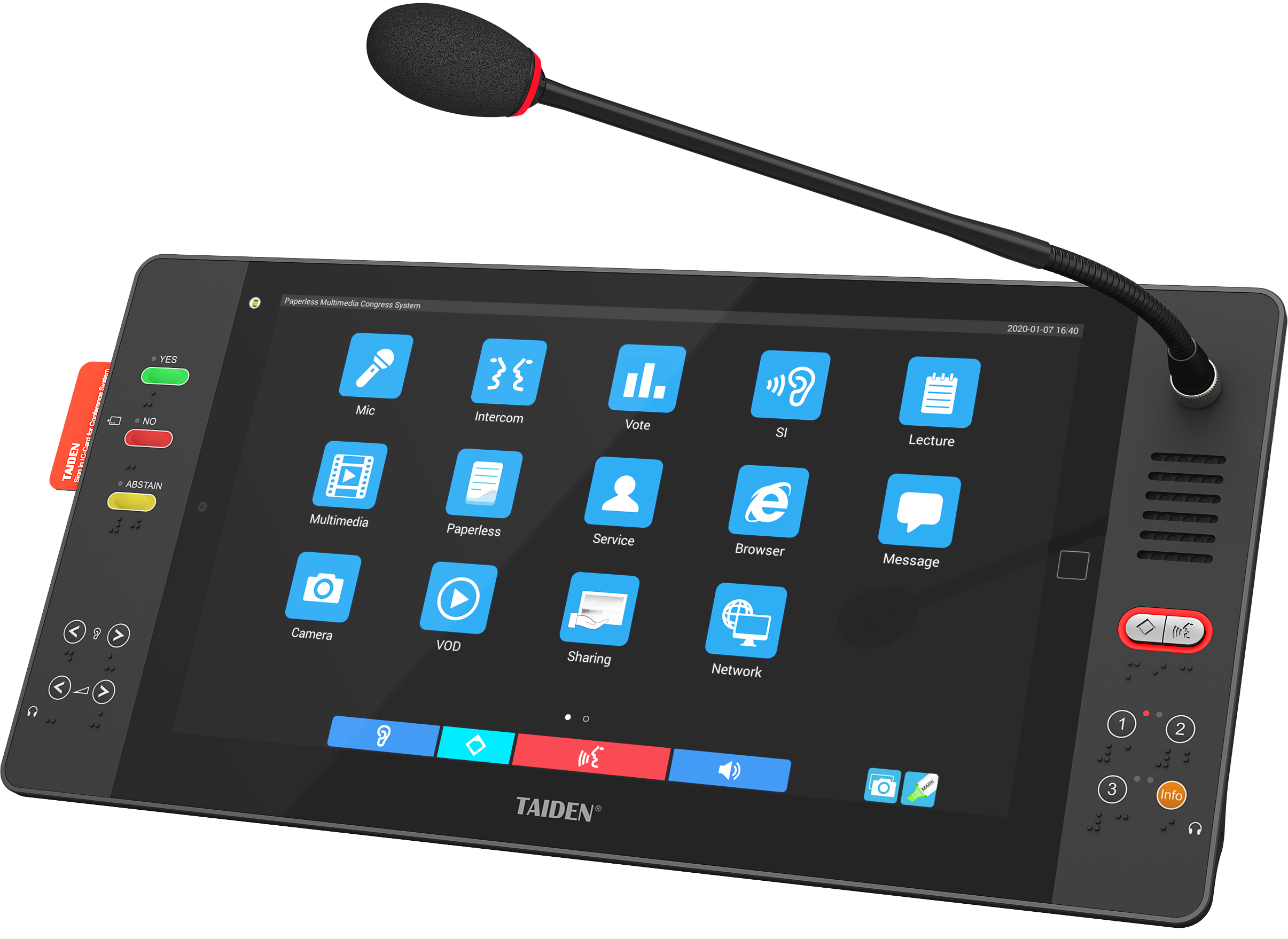
Many rooms now pick a microphone with screen so each delegate can speak and see agenda cues in one place. That sounds perfect, yet classic designs hide small delays. The display waits on the app; the app waits on the network; speech waits on the audio path. Stack those queues and your latency budget gets tight fast. If Quality of Service (QoS) policies are soft, a graphic update can steal time from voice. Add a busy Wi‑Fi band and—funny how that works, right?—the mic feels slow even when it is “online.” Look, it’s simpler than you think: the chain is only as quick as its slowest hop. If the PoE switches shape traffic poorly, or the DSP engine is tuned for fidelity over speed, a chairperson will sense it as hesitation.
Where does the friction hide?
Two common flaws show up again and again. First, split control planes. Touch prompts ride one route while audio packets ride another, so screens change late and talkers start early. Second, firmware drift. When UI and audio firmware versions differ, echo cancelers and talk rights don’t sync. Result: double‑talk, clipped first words, or missed cues. These are not “big” failures; they are small, repeatable ones that waste minutes. The fix begins with one rule: collapse touch and talk states into a single timeline. Tie the light ring, the nameplate, and the queue logic to the same tick. Then your room stops guessing and starts gliding.
From Friction to Flow: Principles for the Next Wave
Here’s the forward view. New systems push intelligence to the edge so the mic base makes fast choices locally. Think small edge computing nodes inside each unit, with a shared clock and a lean control bus. The screen refresh and the audio gate open on the same beat—no round trips for approval. A modern audio codec with adaptive bitrate keeps voice stable even when the network hiccups, while a local cache holds agenda cards to avoid UI stutter. Now compare this to a traditional tabletop microphone that has no screen: it speaks fine, but it can’t show who’s next or confirm votes without another device. The principle is not “add more features,” but “bind the features to one timing spine.” Use AES‑256 encryption without blowing the latency target by trimming buffer depth and pinning a strict 30 ms end‑to‑end budget. Small change, big feel.
What’s Next
Expect tighter clock sync, smarter power converters, and cue logic that adapts in real time (bursty debate? the queue widens; formal hearing? the queue narrows). In pilots we’ve seen chair prompts and first‑word capture align within a single frame—people stop repeating themselves, and the flow sounds natural. To choose well, keep three checks in mind: measure end‑to‑end delay with UI-to-voice parity, not audio alone; test recovery from a forced network drop to validate the failover path; and log talk rights accuracy across a full session to catch drift before it grows. When these numbers stay steady, meetings feel lighter and shorter—and everyone goes home earlier. That’s the quiet win hiding inside good engineering, and it’s a win you can measure, not just sense. For more on systems built this way, see TAIDEN.