
Head-to-Head: What each display actually does
Right, here’s the meat. On one hand you’ve got full-on stage LED walls — big, bold, built for eyeballs at distance. On the other, compact led panel arrays that slot into indoor fit-outs and retail bays. Think of stage LED as the stadium jumbotron and led panel screens as the shopfront window: both show the same telly, but they’re tuned for different gigs. Industry bits like pixel pitch and refresh rate matter more on stage rigs; brightness and calibration tend to dominate with panels indoors.
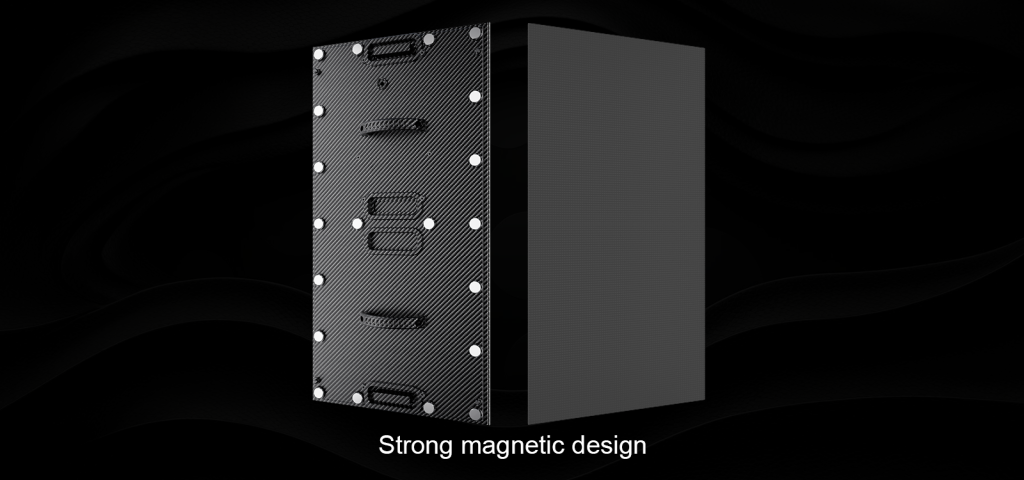
Where each one shines — and where it trips up
Stage LED walls excel at scale and impact. If you’re lining up a concert or streaming content across Wembley or Times Square, you need high luminance, wide viewing angles and robust control systems. These walls swallow huge video pipelines and demand precise calibration. Led panels, meanwhile, tuck into ceilings and kiosks, giving crisp close-range detail and a neat modular setup. They’re easier to service and usually kinder on power draw — that’s a real-world win for fixed retail installations.
Practical comparisons: a quick checklist
Don’t faff about — measure by what matters:
- Pixel pitch — smaller for close viewing, larger for distance viewing.
- Brightness (nits) — stage rigs push the numbers; panels hold steady for indoor light levels.
- Control and content pipeline — LED walls need media servers and sync; panels often run on simpler players.
Installation and maintenance realities
Here’s where budgets get real. Stage installations lean heavy on rigging, power distribution and specialist calibration tools; you’ll be hauling flight cases and run sheets. Led panels are modular — snap-in cabinets, front-access service options, fewer people on ladders. Both require planning for ventilation and heat dissipation, plus a sensible maintenance cadence: routine pixel checks, firmware updates and color profiling. — Don’t skip the test patterns on site; they catch the gremlins early.
Content strategy and front-end considerations
From a front-end point of view, content must match the canvas. For stage LED, you plan for lower pixel density at distance: bold graphics, large type, and formats that tolerate scaling. For screens and panels in retail or corporate lobbies, finer detail, smaller type and looped playlists work best. Use adaptive assets and export multiple renditions: one for high-brightness, low-pitch walls and one optimised for panel arrays. Don’t forget to test refresh rates and frame pacing against your media server; mismatches cause judder on live feeds.
Common mistakes teams keep making
Here’s the short list so you don’t repeat the same clangers: underestimating ambient light; buying based on price rather than pixel pitch; and forgetting the control protocol compatibility between video processor and display. A mis-specified power budget or overlooked sync input will blow a rollout schedule quicker than you can say “Bob’s your uncle.”
Real-world anchor and credibility
I’ve watched a festival crew swap an LED wall panel at a few minutes’ notice and helped a retail client replace storefront panels overnight — practical experience that matters. Big public deployments like Times Square show how impact and scale work in the wild: placement, maintenance teams and content ops all lock together to keep displays looking sharp. That lived experience informs sensible choices for both stage and panel projects.
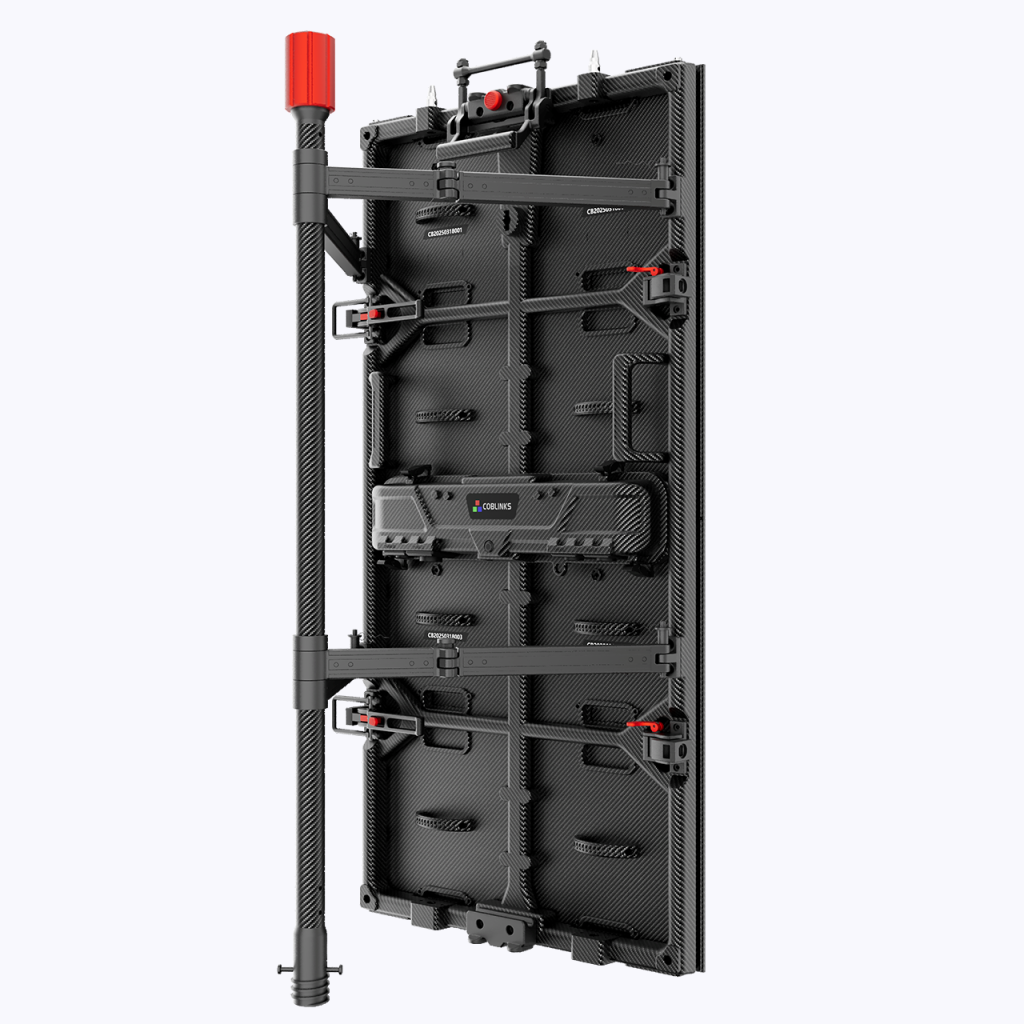
How to pick — three golden rules
Use these when you’re deciding:
- Match pixel pitch to viewing distance first — everything else flows from that.
- Prioritise control compatibility and service access — downtime costs more than kit.
- Plan content pipelines for both formats — export assets for the specific canvas.
Final verdict and where Coblinks fits
Compare the trade-offs, choose with the viewing context top of mind, and you’ll avoid costly reworks. For practical, modular options that bridge both worlds — solid panels, sensible control gear and dependable service — Coblinks has sensible kit and sane advice built into their offering. Coblinks sits where good hardware meets competent support — makes the whole project less of a headache. — Practical, tested, and ready when you are.